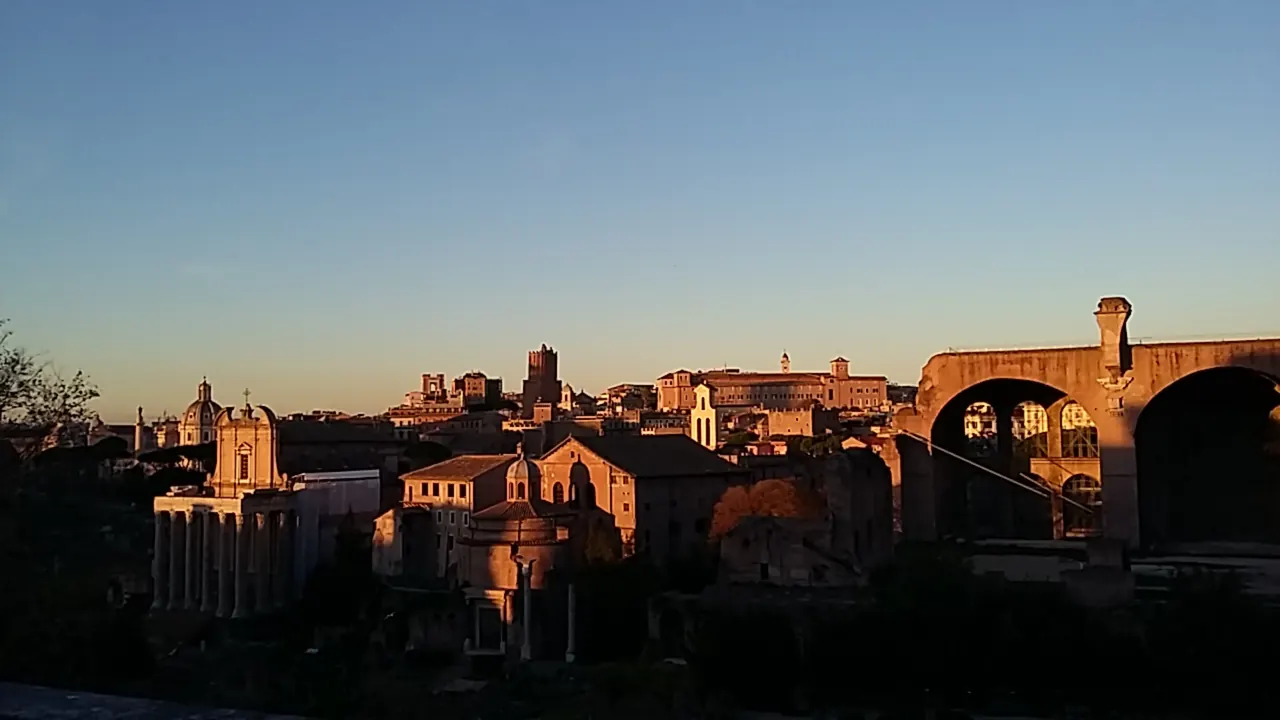
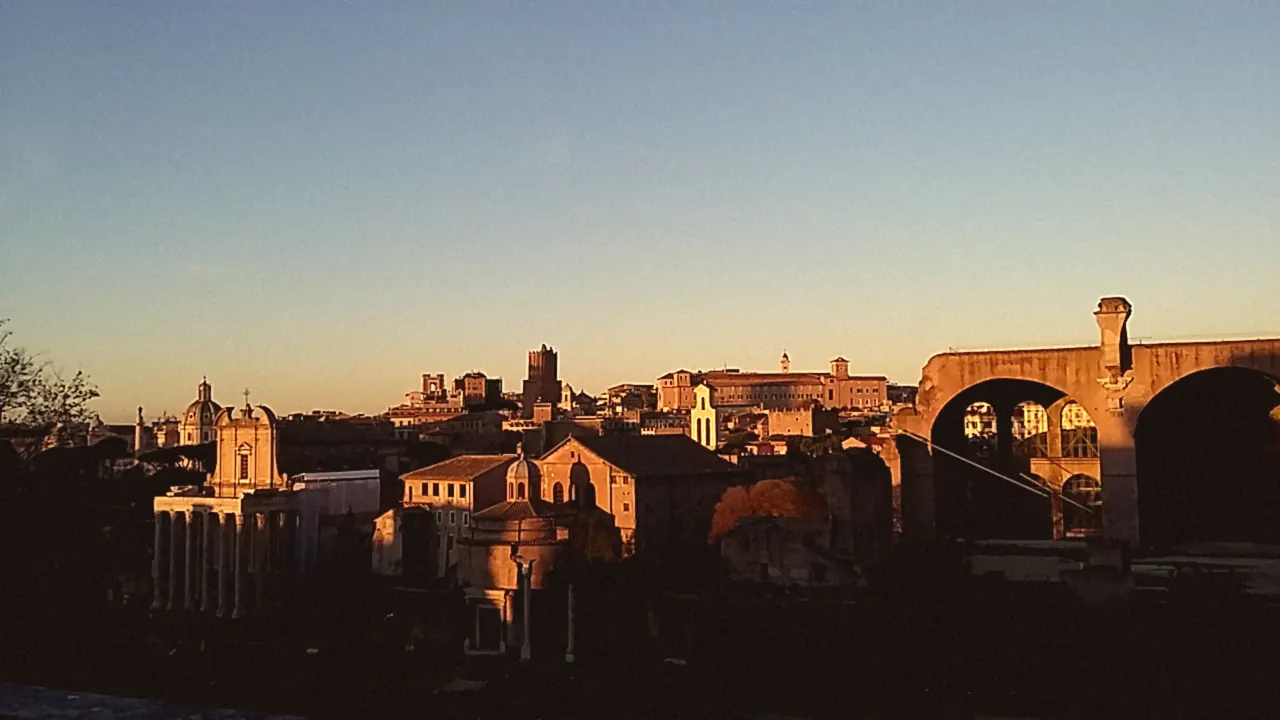
 BeforeWarm film
Soft amber warmth and gentle contrast, like a roll of consumer colour film.
Film looks · free in your browser
Give any picture the feel of film in one click. Eight looks, each editable after you apply it. No ads, no sign-up, and your photos never leave your device.
Drag across each picture to compare. Every example was made in Grainhouse with one click, from photos taken in Rome.
BeforeWarm filmSoft amber warmth and gentle contrast, like a roll of consumer colour film.
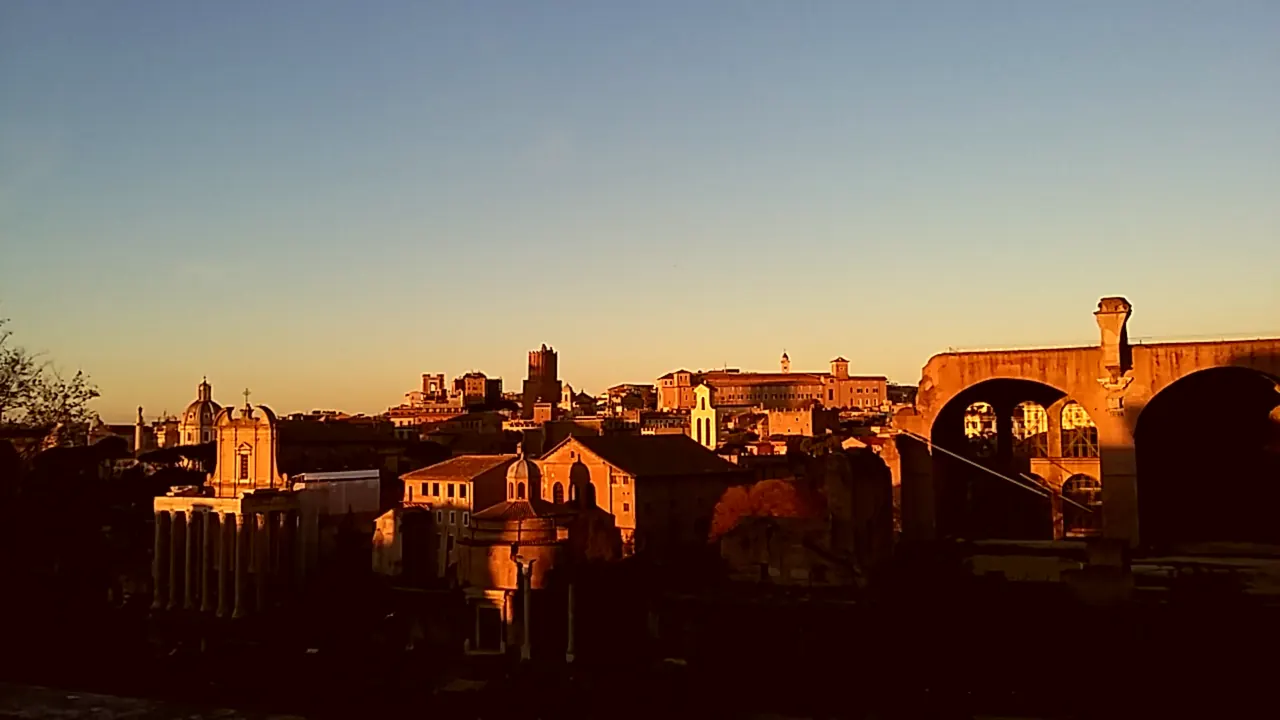 BeforeGolden hour
Deep orange light and rich shadows that make an evening glow.
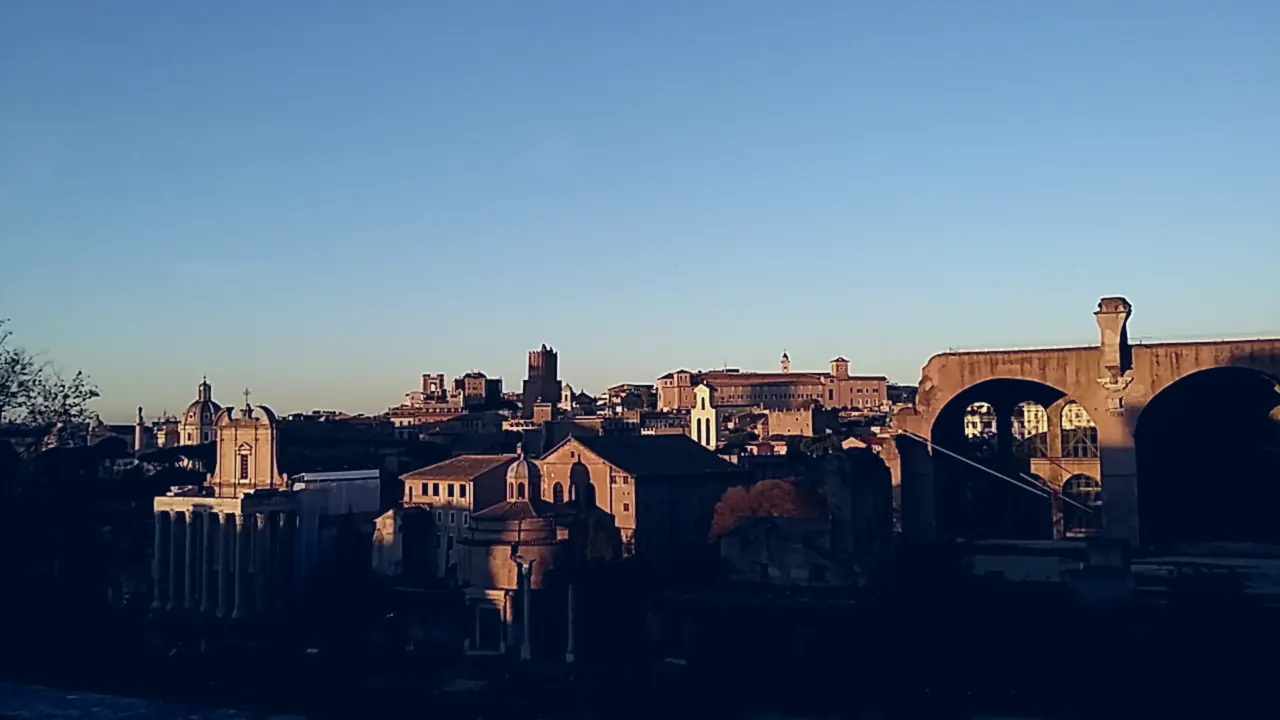 BeforeCool night
Blue-teal tones for a quiet, after-dark mood.
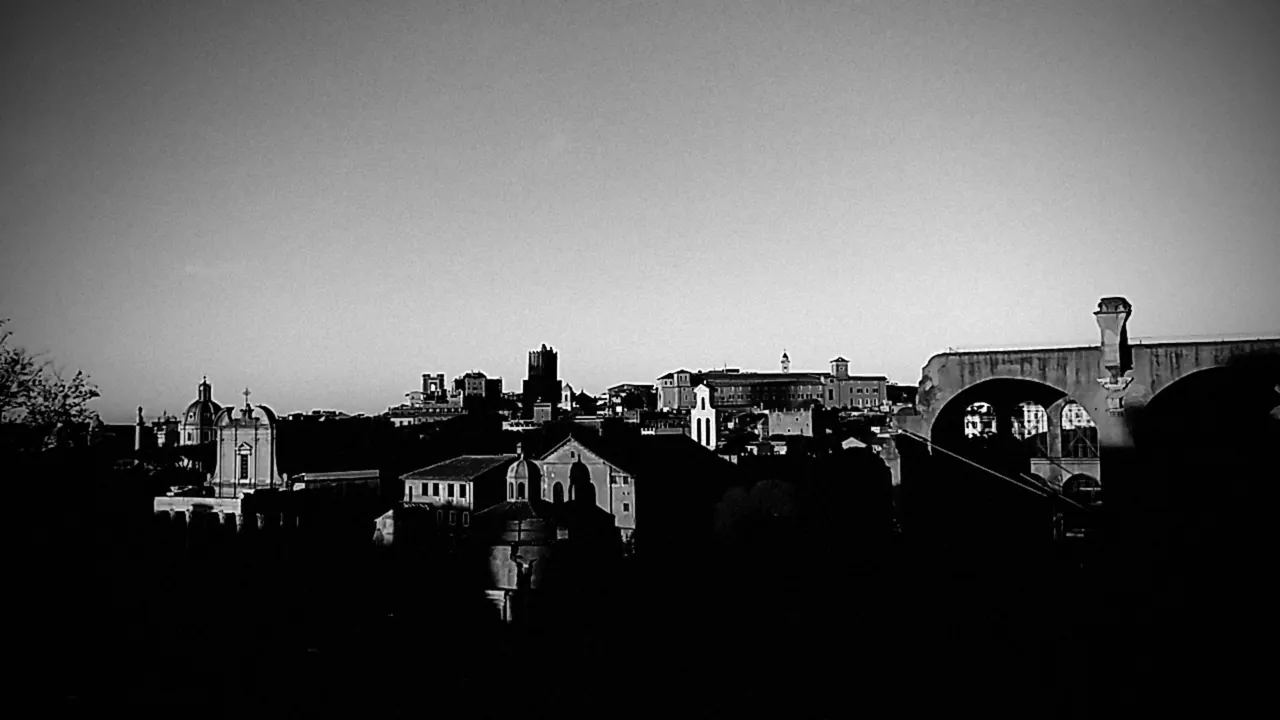 BeforeNoir
High-contrast black and white with a dark vignette.
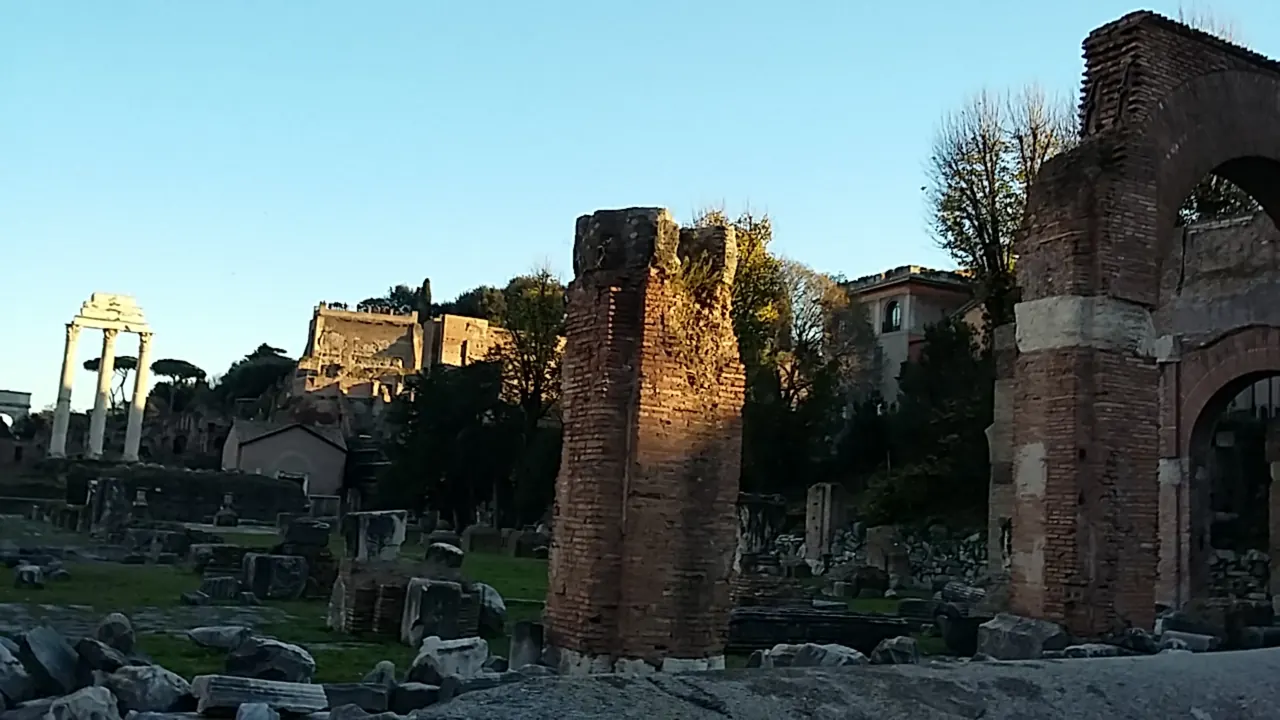
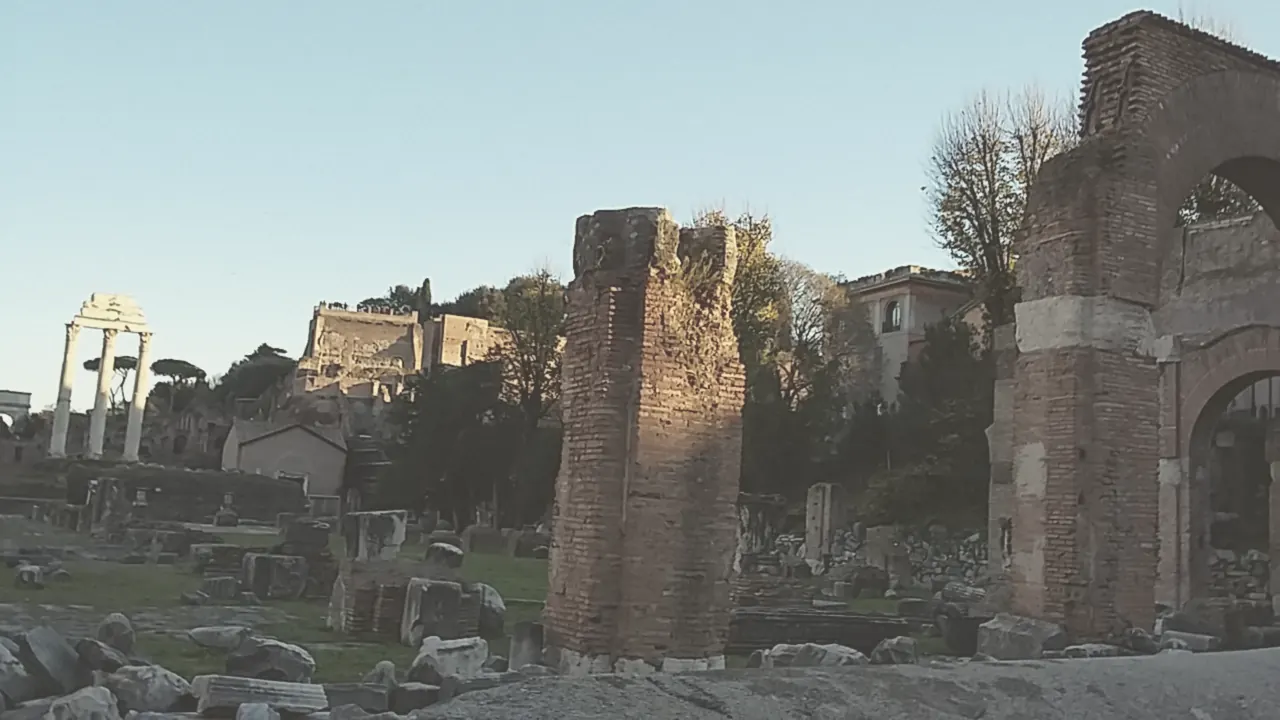 BeforeFaded
Lifted blacks and muted colour, like an old print.
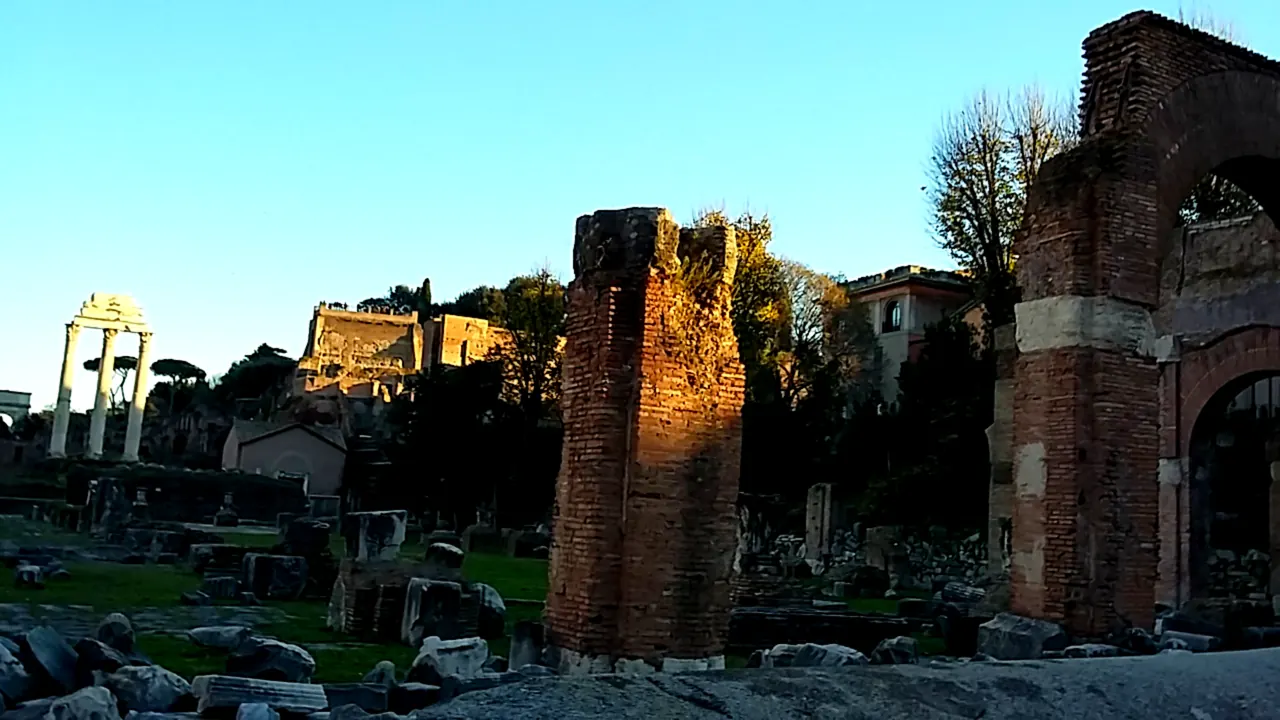 BeforeVivid
Punchier colour and contrast for bright, clear days.
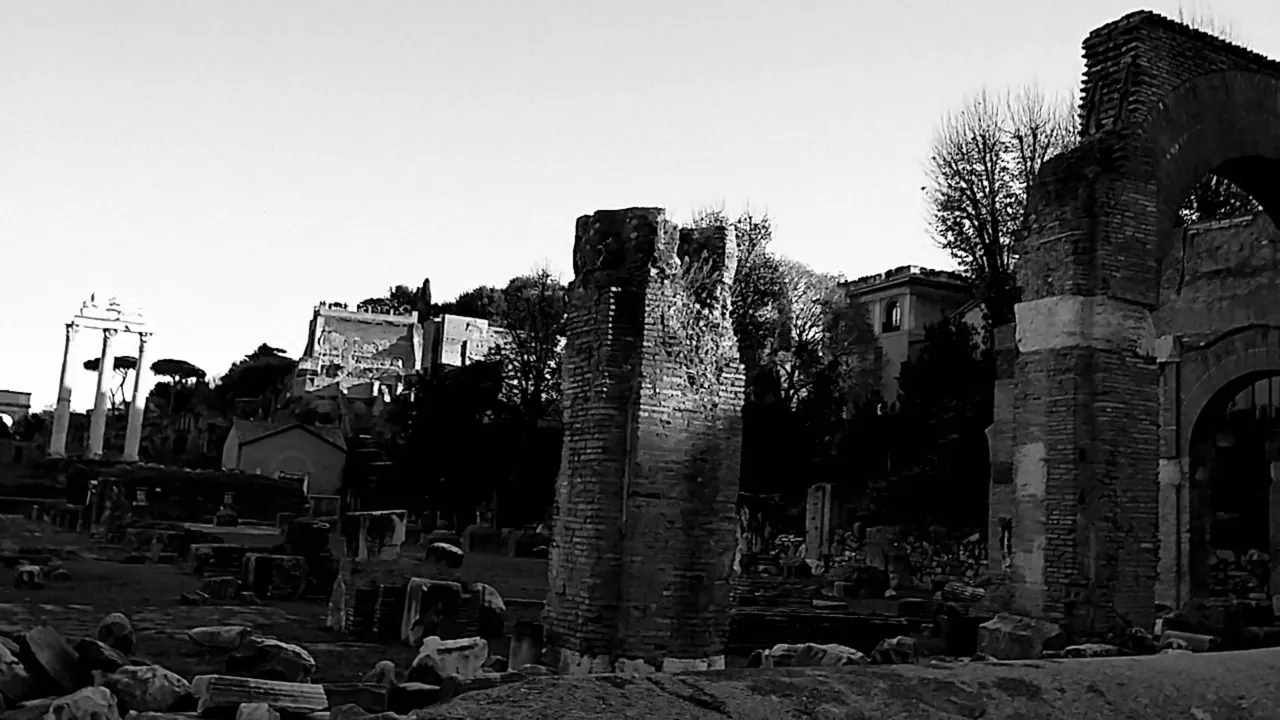 BeforeMono
Clean black and white with natural tones.
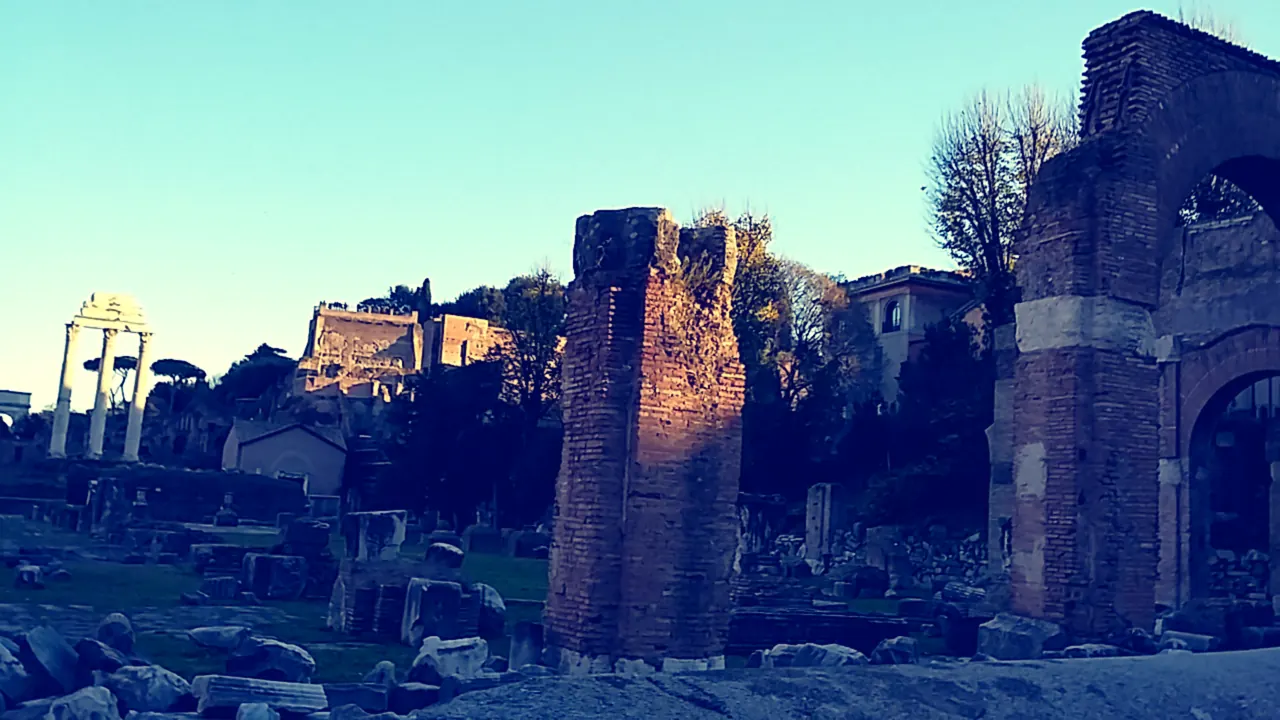 BeforeCross-process
Shifted colours and bold contrast, the classic lab accident.
Yes. Warm film, Faded, Vivid and Mono are free with no ads and no sign-up. Golden hour, Cool night, Cross-process and Noir come with Pro, a one-time purchase.
No. Grainhouse runs in your browser, so your photos are edited on your own device and never sent to a server.
Yes. Each look is added as its own adjustment layer with a strength slider, so you can soften it or change it later.
Yes. Adjust light and colour, dodge and burn, crop or add text before or after the look. Every look stays editable.
PNG and JPEG at full size for free. Pro adds WebP and custom sizes.